< Back
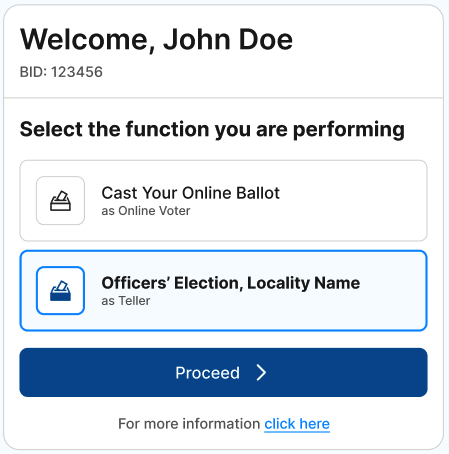
To access the Officers’ Election, once logged into OBS select the role of “Officers’ Election … as Teller.”
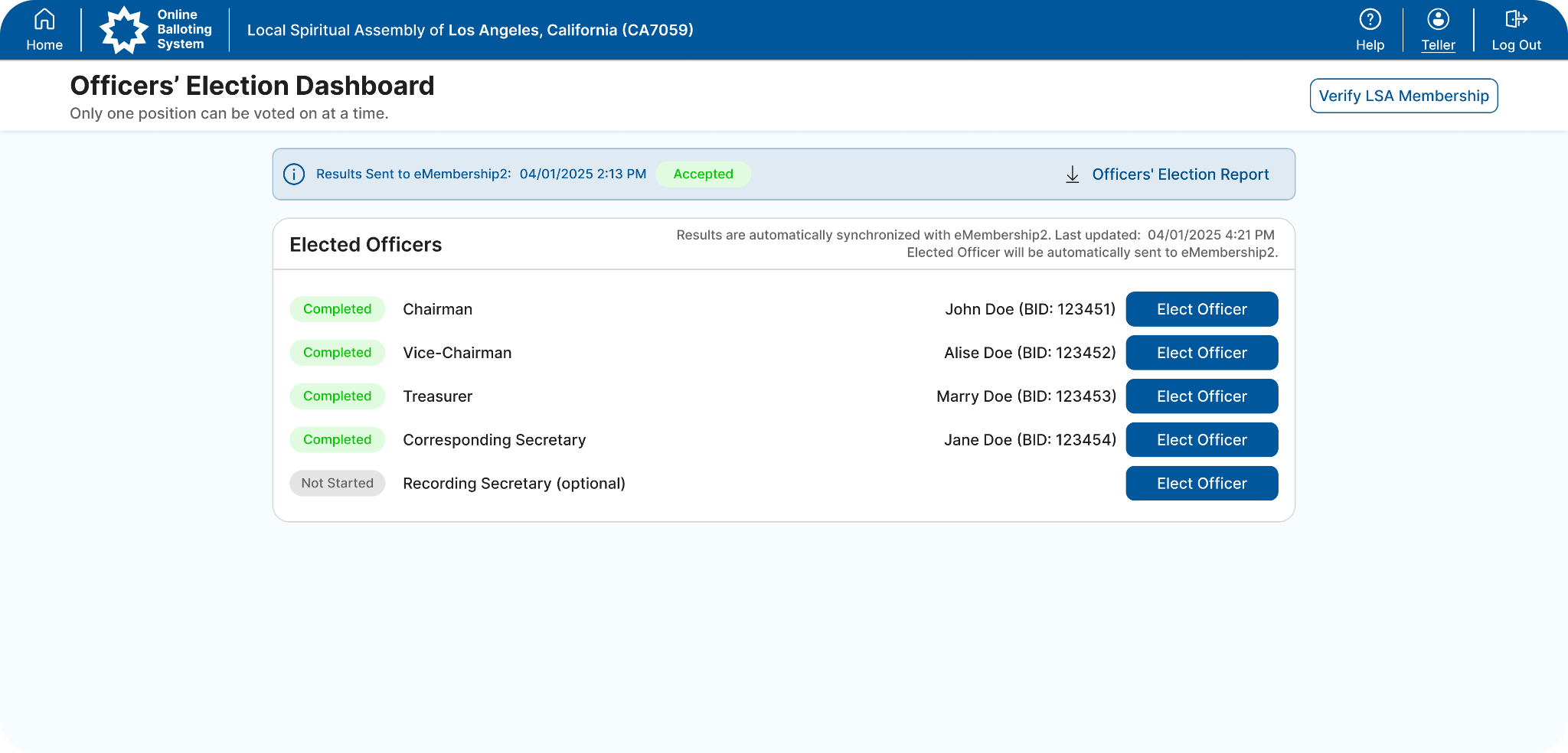
There are five predefined officers’ positions: Chairman, Vice-Chairman, Corresponding Secretary, Treasurer, and Recording Secretary.
IMPORTANT: Before starting the voting session, please click “Verify LSA Membership” and check the roster. Data is received from eMembership2, and all corrections must be made there.
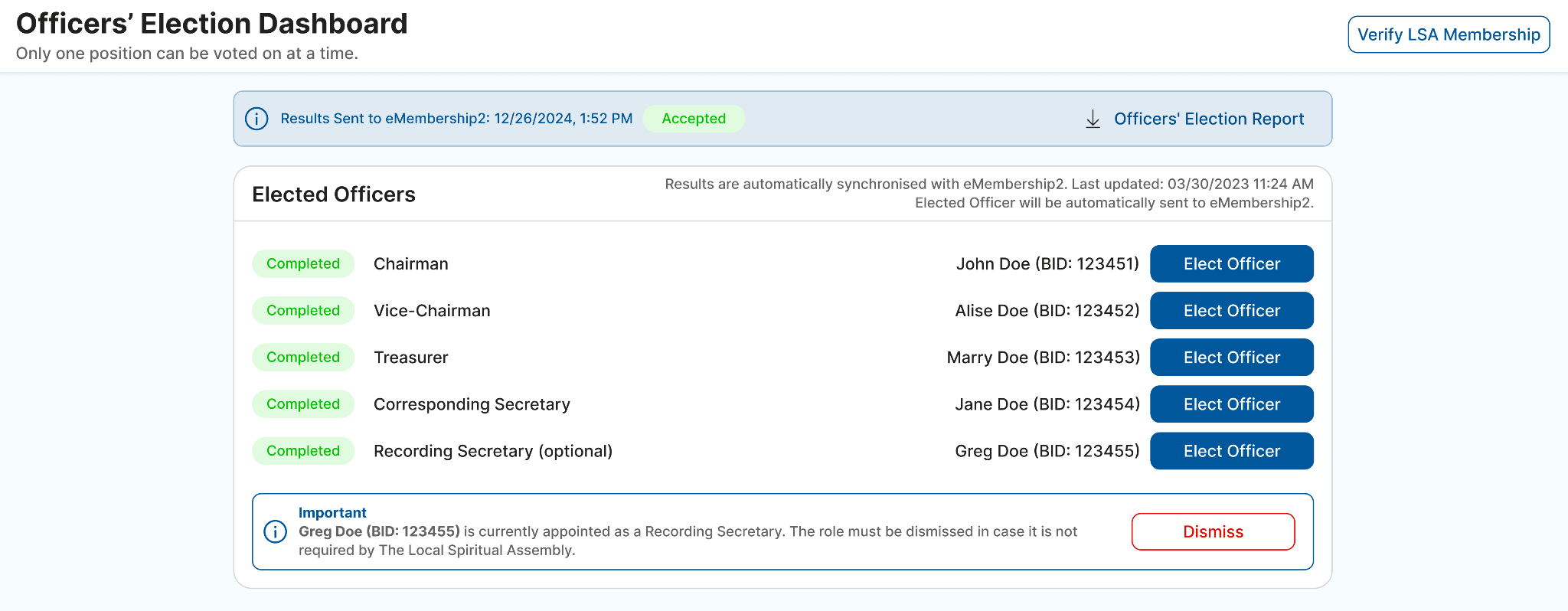
IMPORTANT: Elections for the Chairman, Vice-Chairman, Corresponding Secretary, and Treasurer are required. Recording Secretary is optional and can be dismissed by clicking the "Dismiss" button in the Important section.
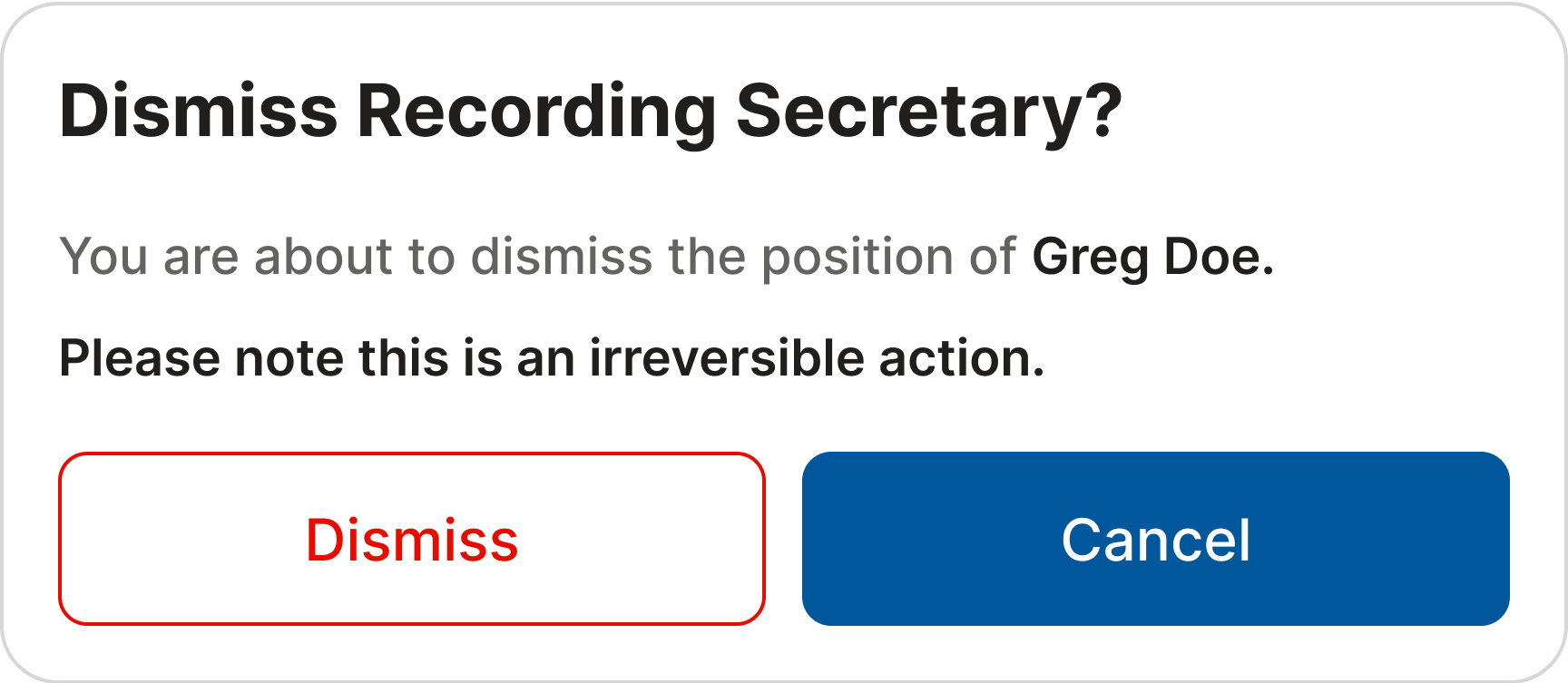
If an LSA Member has been assigned to the role of Recording Secretary, which may not be a mandatory position in your jurisdiction, please click the "Dismiss" button to remove the member from this role.
Please be advised that this action is irreversible. However, should the need arise, you will still have the option to elect a new officer through the "Elect Officer" button.
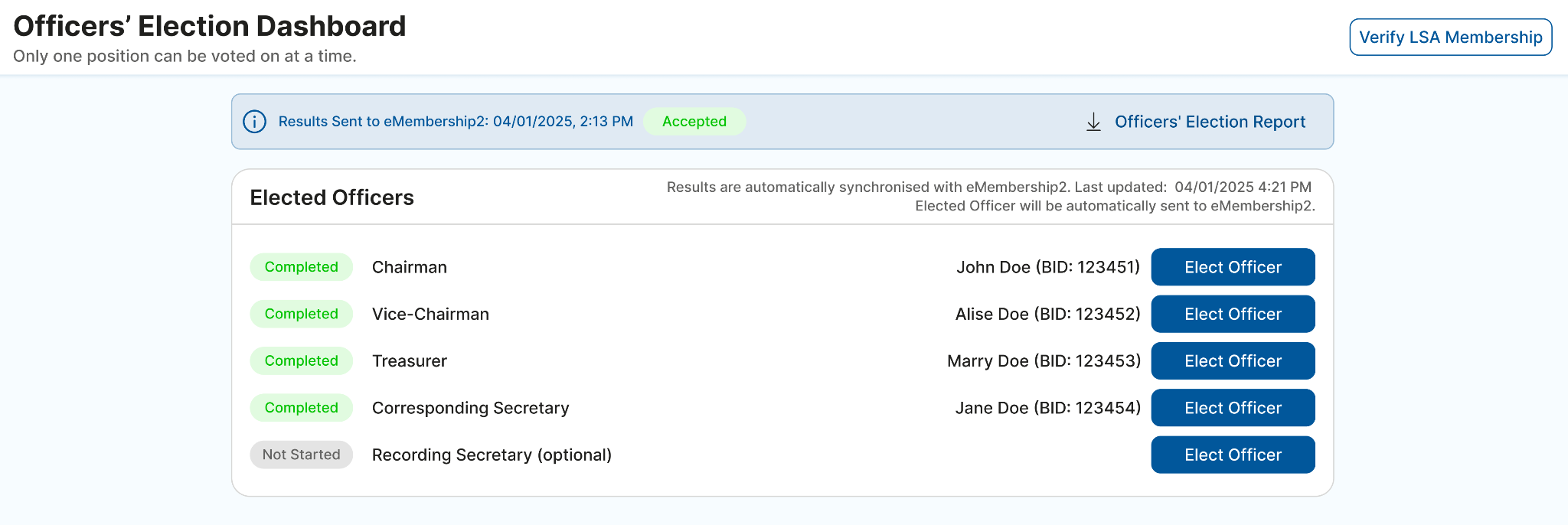
When you want to start the voting for one of the positions, click the “Elect Officer” button next to that position.
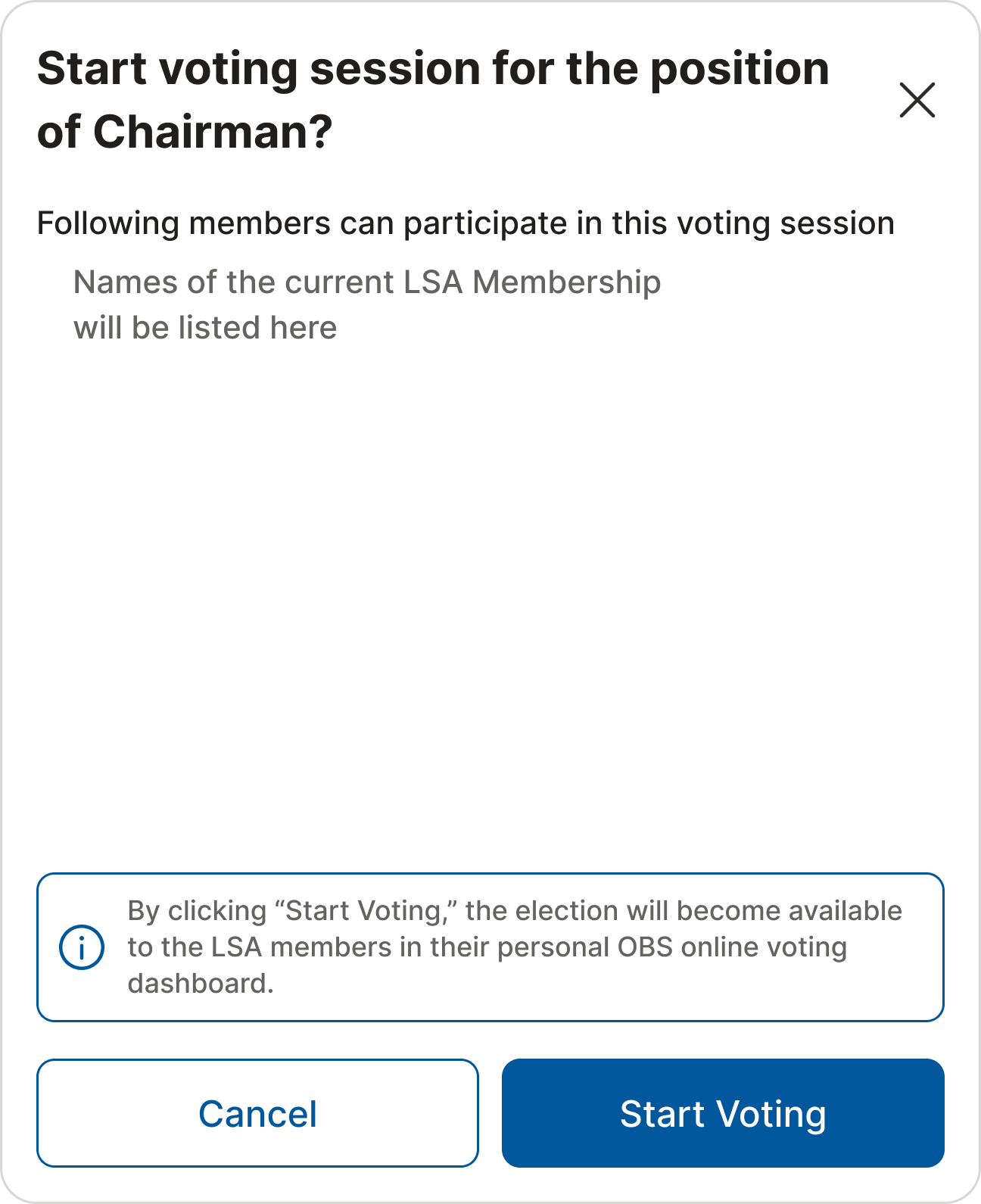
After clicking “Start Voting,” all participating LSA members will be able to see the active officer election in OBS and cast their votes.
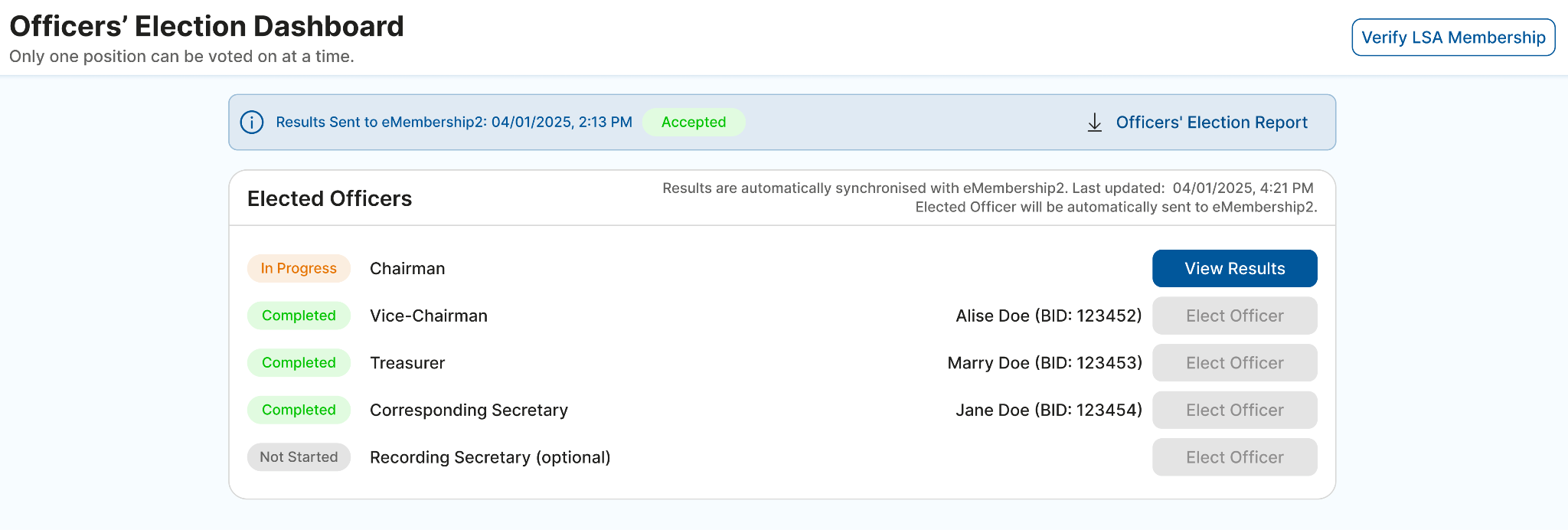
At this point, the voting status will change to “In progress” and the tellers can monitor the results by clicking on “View Results.”
On the “Voting Status Update” screen, tellers can monitor who has voted so far.
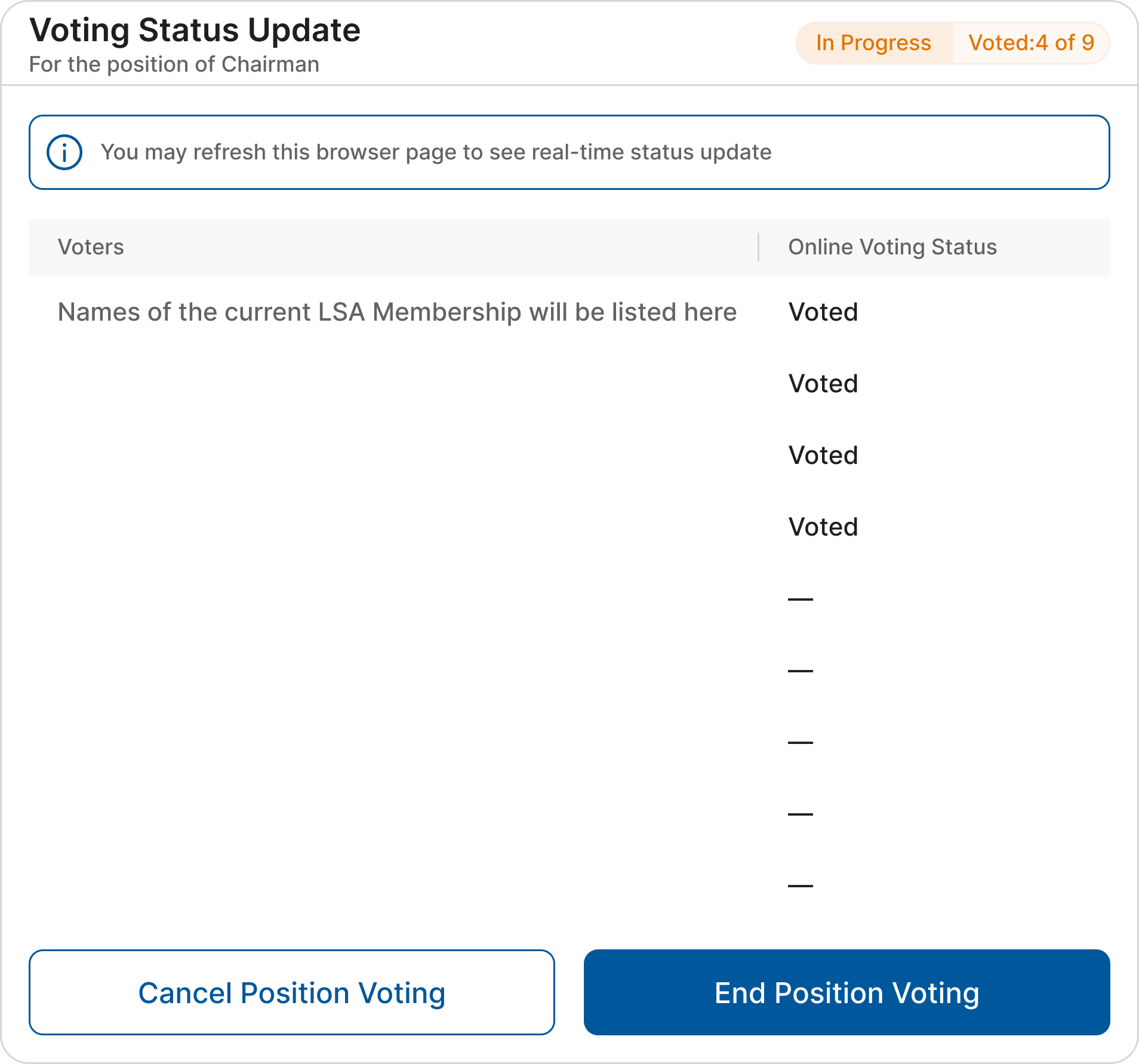
IMPORTANT: There can only be one voting session open at a time. That election needs to be concluded before the next open position can be voted on.
The tellers, as participants, must cast their individual ballots as a Voter (role), just like all the other participants (see How to vote online); or their ballot may be added later when any other physical ballots are added, as described below.
The tellers can stop online voting (a voting session) at any time. Once stopped, they can add/enter any physical ballots that may have been submitted by one or more Assembly members who did not participate in the officer’s election online. To start adding votes from physical ballots, wait until all the online participants have finished voting, then click “End Voting.”
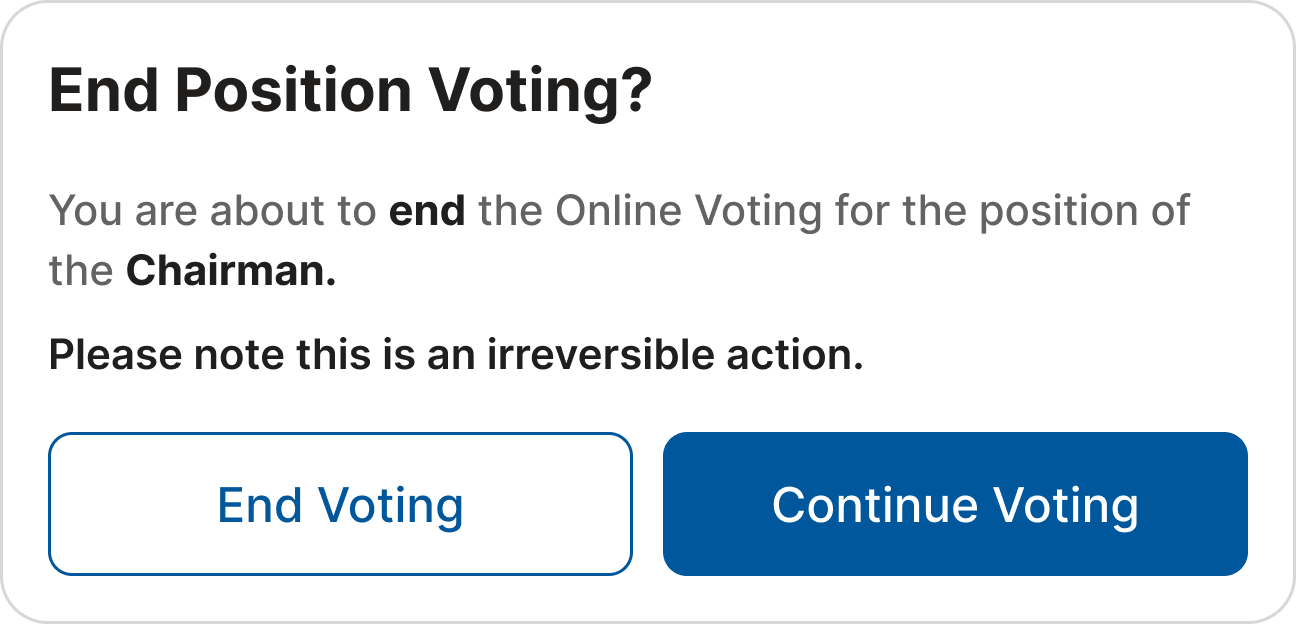
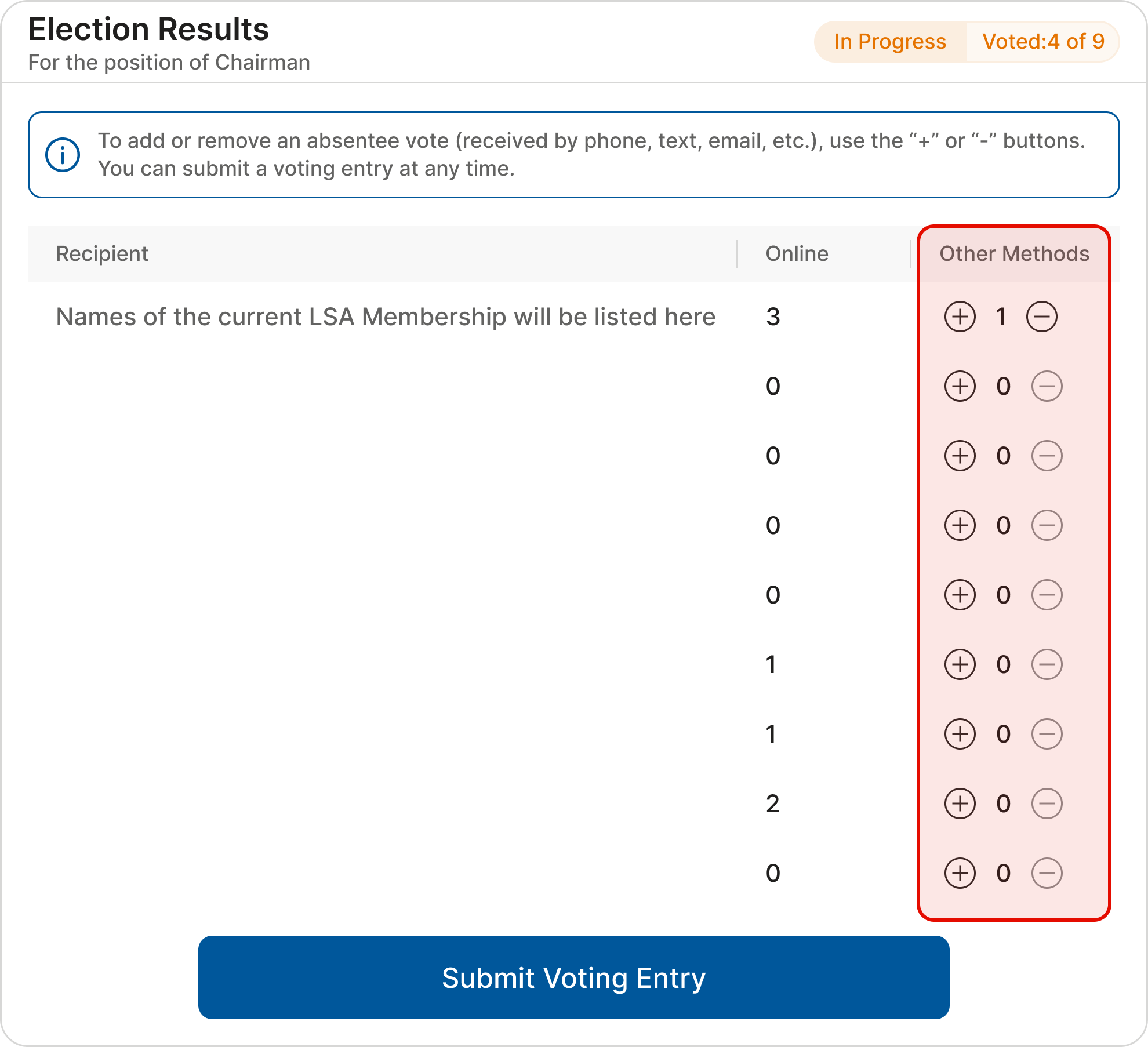
Once the online voting has ended, tellers will see the online voting results for the active officer election and the number of votes each member has received. Votes received through online voting cannot be edited.
Votes from physical ballots can be added in the column “Other Method” using the “+” button. If a vote is added by mistake, use the “-” button to remove it.
Once all the votes are added, click “Submit Voting Entry.” Both the online votes and those from physical/absentee ballots (if any) will then be merged to produce the final results.
IMPORTANT: If nobody receives at least five votes (the minimum required for the election of officers), the system will provide two options: revoting for the same position or ending the current voting session.
If someone receives five or more votes, you will be asked to confirm the results.
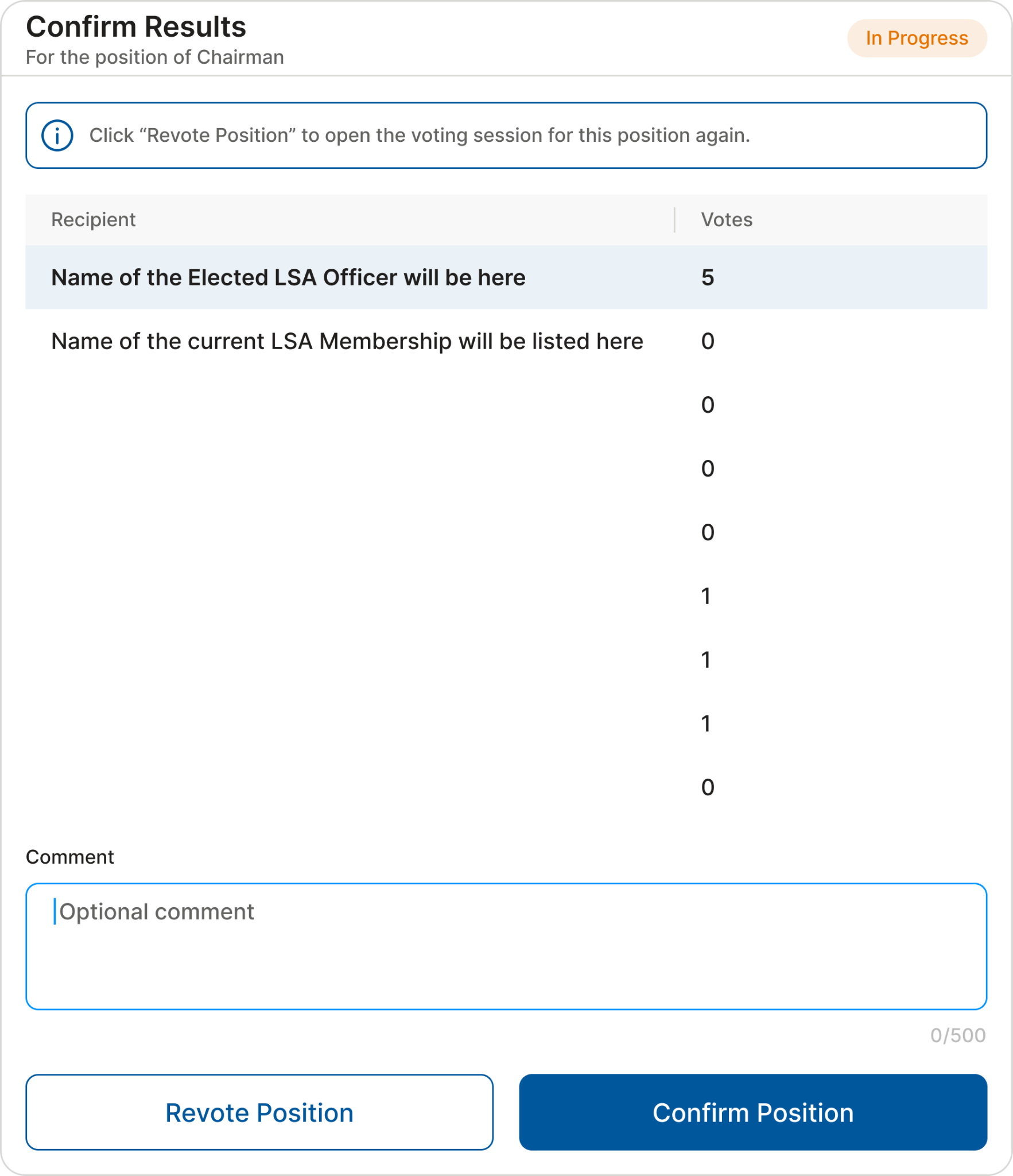
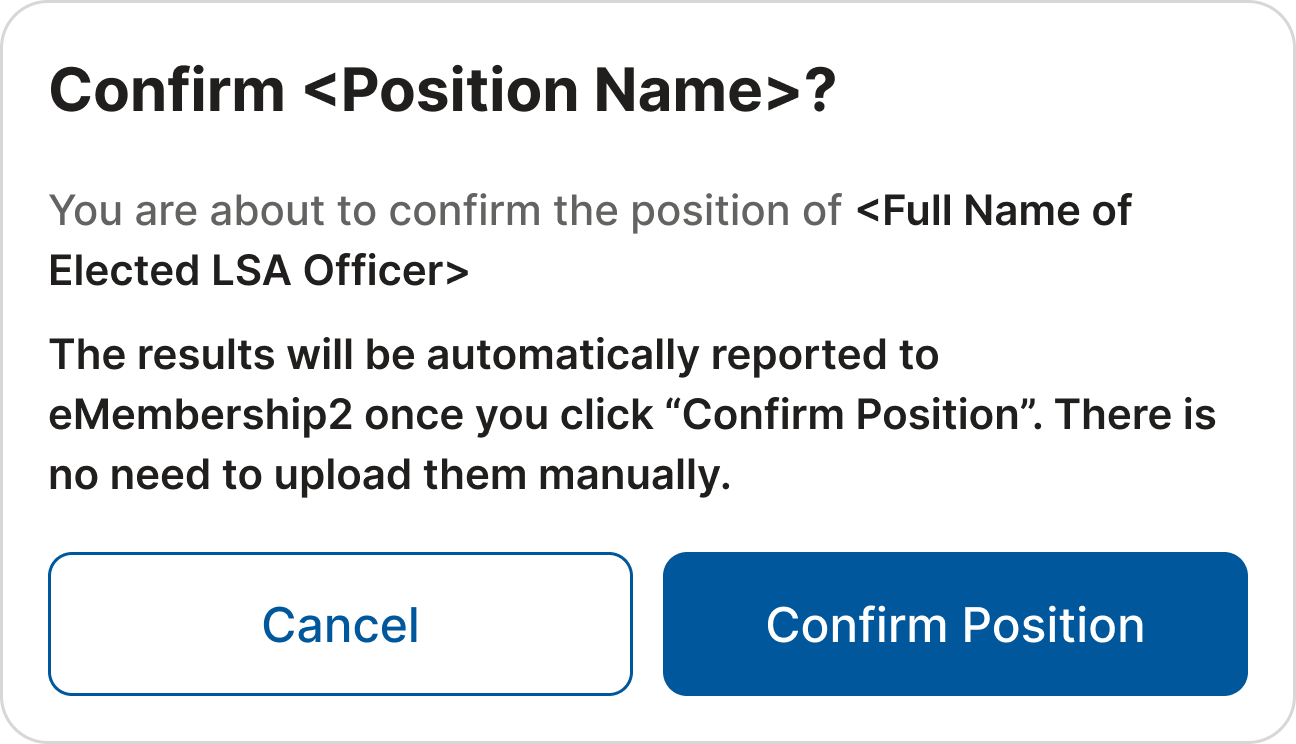
As soon as the position is confirmed, the status will be changed to “Completed” and the result will appear on the main dashboard. A position can be revoted at any time by clicking the corresponding button on the Officers’ Election Dashboard.
IMPORTANT: Results are automatically synchronized with eMembership2 after the position is confirmed. This can be observed on the Officers' Election Dashboard. Therefore, there is no need to report the results manually.